
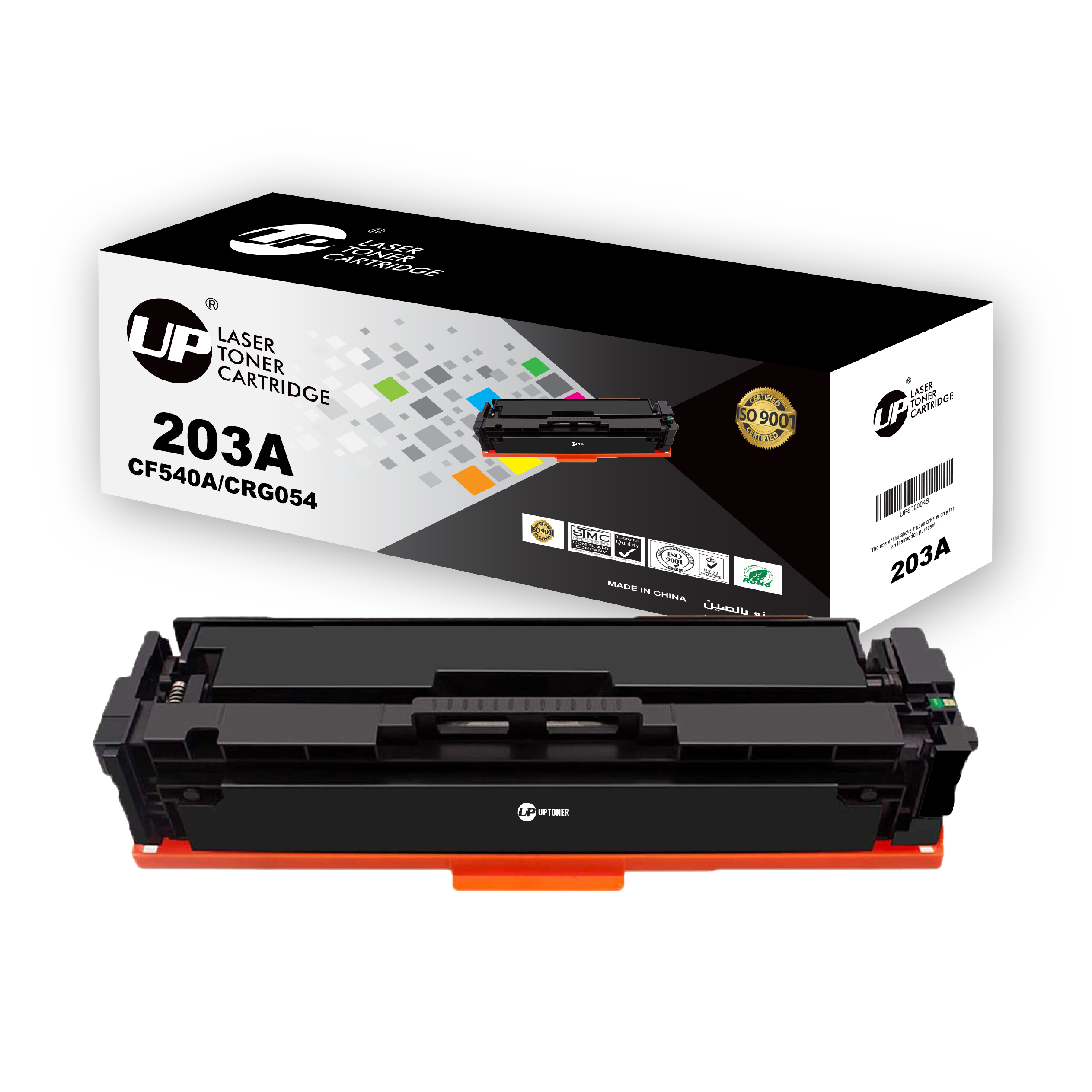
1 Pack 203A CF540A HP Compatible Toner Cartridges for HP Color LaserJet Pro MFP M281FDW M281FDN HP Pro M254 M254DW (1 Black)
Installation Instruction:
1. Before use, shake the new toner cartridge horizontally for several times to make sure the toner powder is well distributed.
2. Pull out the black paper cover out of the toner cartridge’s body in the direction of the arrow shown.
3. Pull out the sealing tape at a slow and constant speed as to prevent the tape from breaking midway.
4. Carefully install the new toner cartridge into your printer and you are all set to print.
Reviews
There are no reviews yet.